Don’t touch that dial
As you can see, all of these issues have to do with sound’s physical properties. Thus, this isn’t a problem you can solve (at least not entirely) by changing a setting or swapping out one of your components. The best way to stop delayed sound, standing waves, and any other distortions from muddying the direct sound from your speakers is to stop them in their tracks.
You can probably picture how this gets solved in a high-end recording studio or modern concert hall: grids of methodically placed foam, layers of spaced acoustic tiles floated from the ceiling, maybe even floated rooms-within-rooms engineered to have minimal parallel surfaces (thus minimizing resonances). But please don’t let this platonic ideal of acoustic management freak you out and stop you from doing anything to improve your own space. There’s lots you can do that’s suggested by the way a studio control room is set up, without having to invest pro-level money (or any money).
Start at the sound source
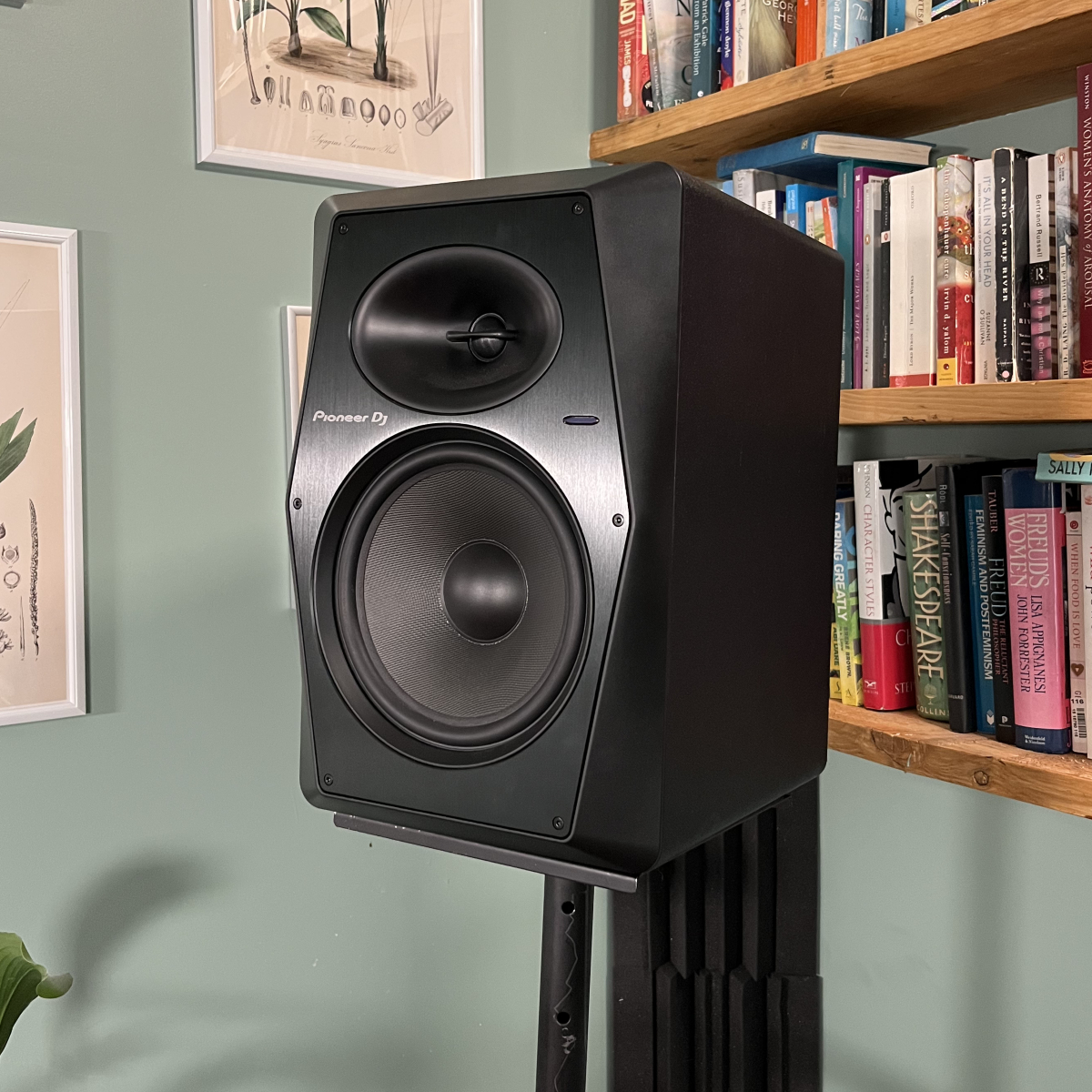
We’ll begin with speaker placement. But before we talk about the front of the speakers, which typically have two sound-producing parts—a tweeter to produce high frequencies and a woofer for the mids and lows—let’s think about what’s going on behind them.
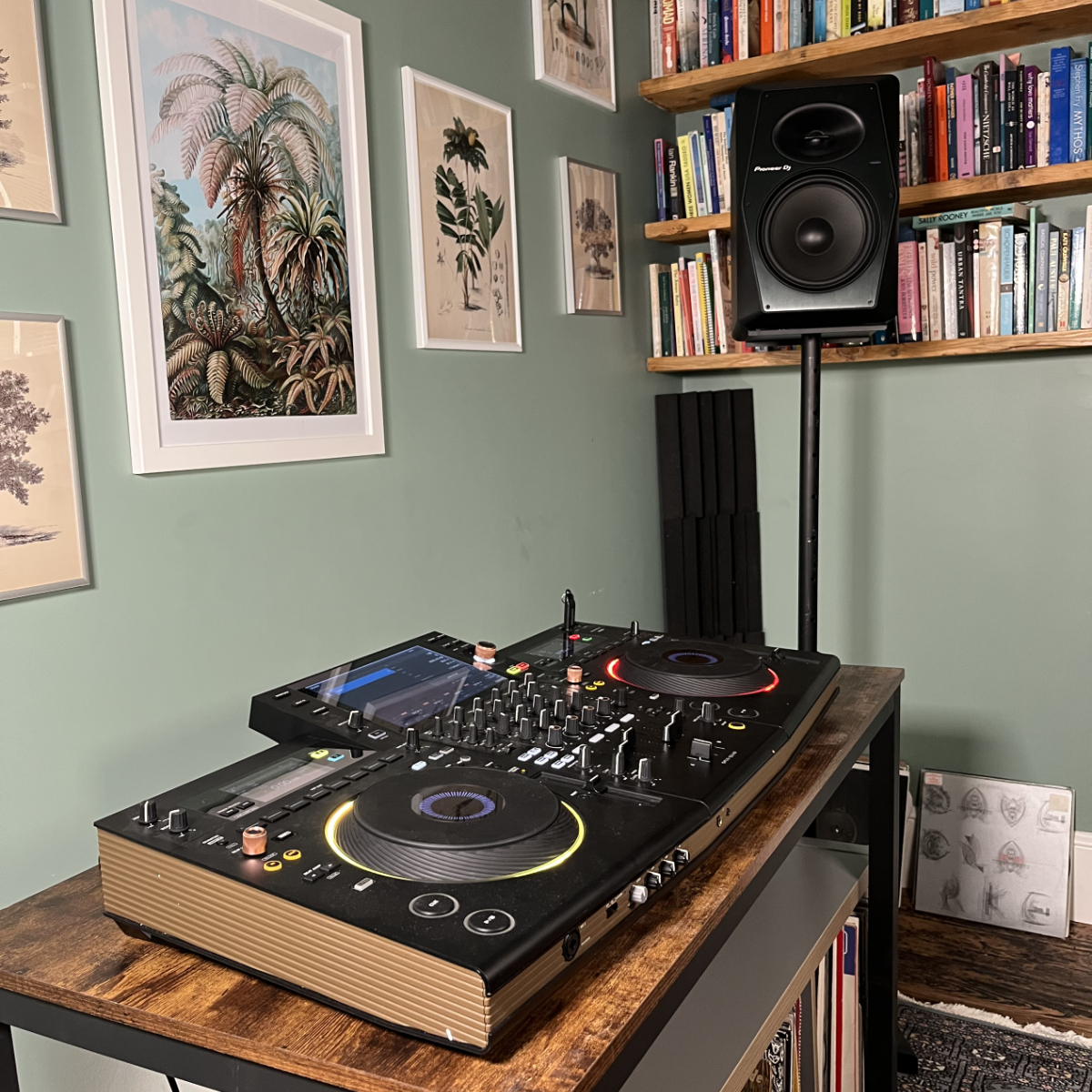
I’d wager that the majority of home DJ setups sit flush against a wall. In such a tight setup, you hear the direct sound from your speakers along with quite a lot of reflected sound off the wall behind them, which affects the clarity of the music you’re playing. If this is you, consider whether your space allows for you to get your speakers out from the wall a bit. Three feet or more would be ideal, but if that’s not realistic even a foot can help get more direct sound and less rough reflections into your ears. If you can’t move out into the room at all, then you may want to add an absorptive material behind your DJ setup. A heavy draped curtain hung from the wall would be the classic move.
Knowing how we want the speakers to sit with respect to the wall gives us a good general position for them. Now, we’ll make some finer adjustments to create a sweet spot—the place where the clearest possible image of the sound comes together between the speakers. (This is under the assumption that you’re using two nearfield monitors, wired up in stereo, to hear the main mix out of your controller or mixer.) We’ll build the sweet spot around where the DJ is likely to be during the most involved parts of the mix. Find where that is for you and mark it.
You’ll next want to get the speakers close to head height or, if the speakers need to sit below or above you, angled up or down to make a straight line to your head. I don’t recommend angling speakers nearly as much as finding a solution that lets your head align vertically with the speakers, since it makes the next adjustments a whole lot easier.
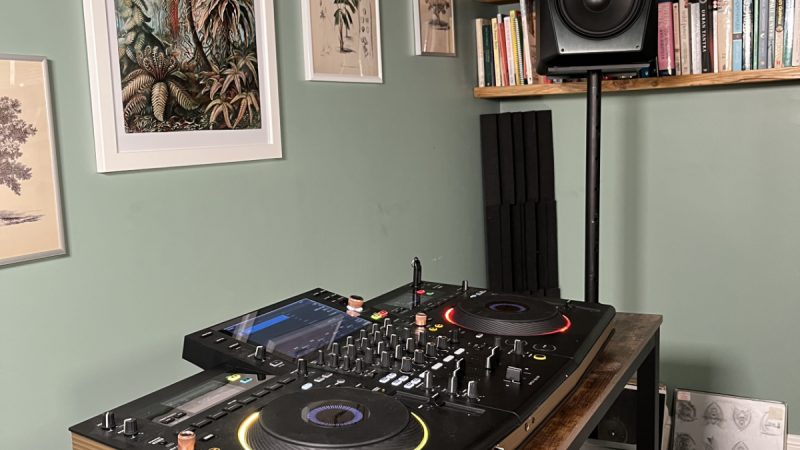
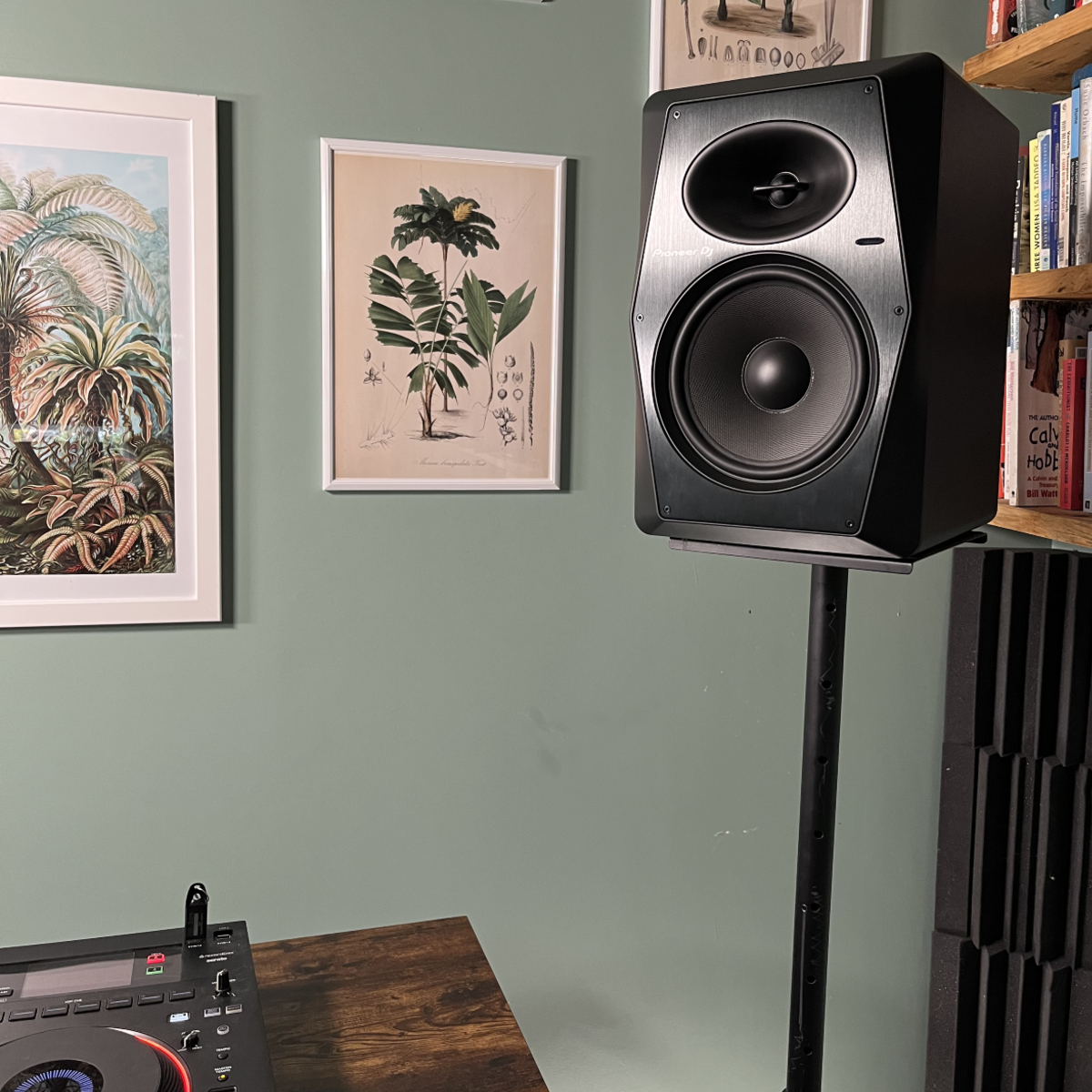
Though they may feel unstable, a simple pair of studio monitor stands has been my tried-and-true method for placing monitors at the same height as my head when I’m standing. I’ve never had one topple over on me, and it’s always made creating a sweet spot for my DJ setup fairly easy, as I don’t have to worry about an up/down angle, and I can easily make tweaks through the next step.